Harness Coverings
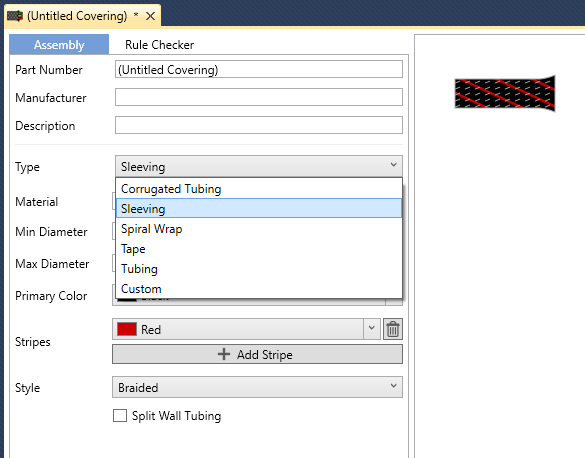
Harness Coverings are used to describe any physical protection on top of your Harness Bundles, such as Corrugated Tubing, Sleeving, Spiral Wrap, Tape, and Tubing.
Overview
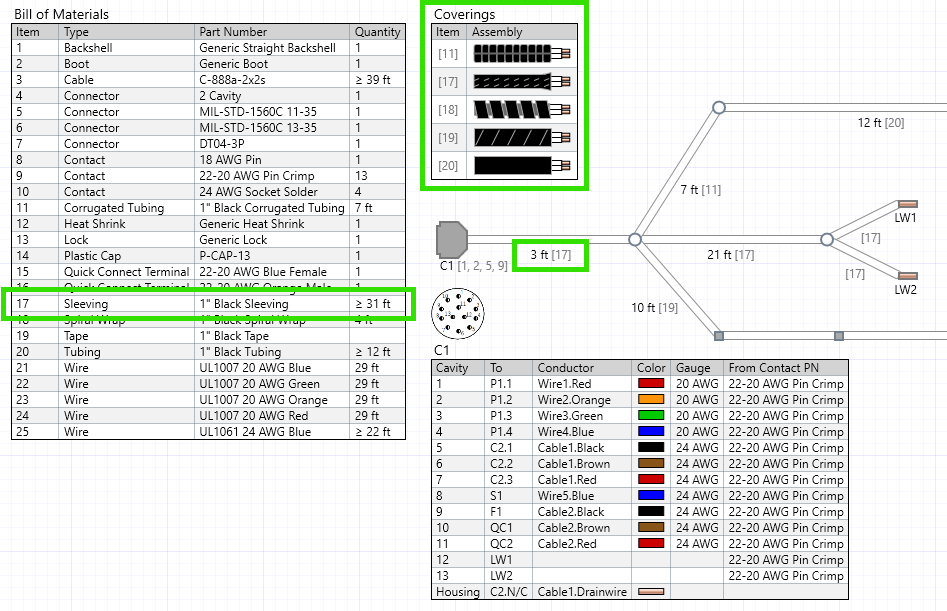
Below is a sample image showing Coverings as used in a Harness.
Adding Coverings to Your Harness
To add a covering to your Harness, select the Bundles tab, and select one or more bundles in your Harness Top Level. You can also double-click a bundle to go straight there. From here, you can simply click “Add Covering...”. For additional bundles, use “Copy from...” to give them the same coverings as another bundle.
Coverings are listed from inside to outside. Drag them to reorder.

Covering Sizes and Fit
Each covering can have sizes of its own, such as the Min and Max Diameter of sleeving or the Supplied and Recovered Diameter of heat shrink tubing. RapidHarness uses them to work out the diameter over each covering, and to warn you when a covering is too small or too large for the bundle it is on. See Bundle Diameters.
Creating Your Own Covering
To help you get started, we’ve added several “generic” Coverings to the RapidHarness Library. As always, you can also create your own coverings to share with your team.